Player Shops
Using player shops is fairly straightforward. Creating a a shop can be done by the following steps below:
- Craft and place down a chest where you would like the shop to be located and fill it with the items you want to sell.
- Please a sign onto the chest and move down to the second line.
- On the second line, type in the number of items you want to sell at a time.
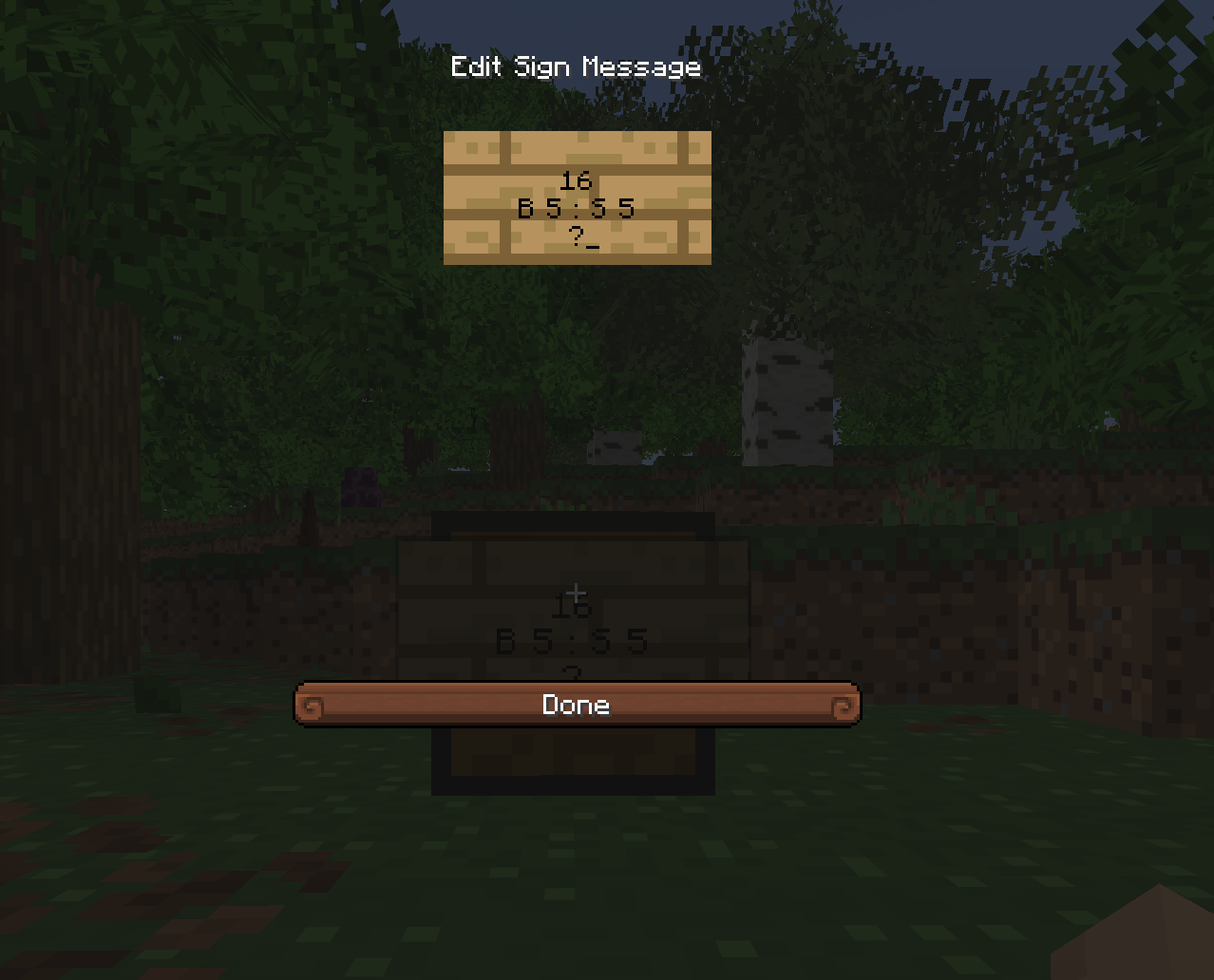
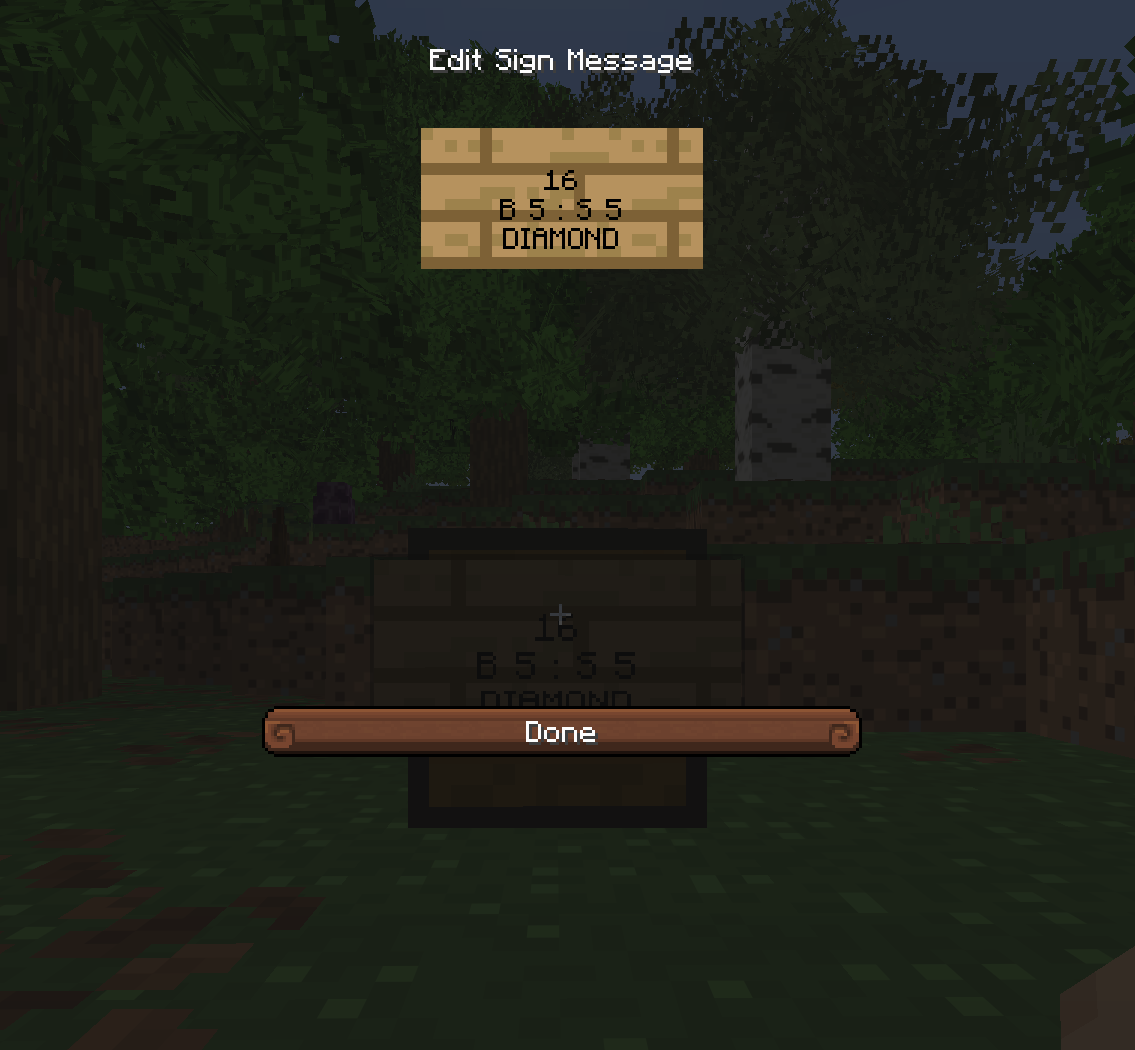
- For example, if we are selling 16 diamonds at a time we put the number 16
- On the third line type the letter B followed by the price you want to sell the items for.
- Optionally, type a colon ":" then an S followed by a sell price. This will allow players to sell their items to you rather than just buying items.
- Please a question mark "?" or the item name on the last line and close the sign.
|
|
|